
Joining Pam as a case manager or program lead
Case managers and program leads join Pam with an invite link. There is no button to sign up as staff. This keeps people from joining as staff by mistake.
Join with your link
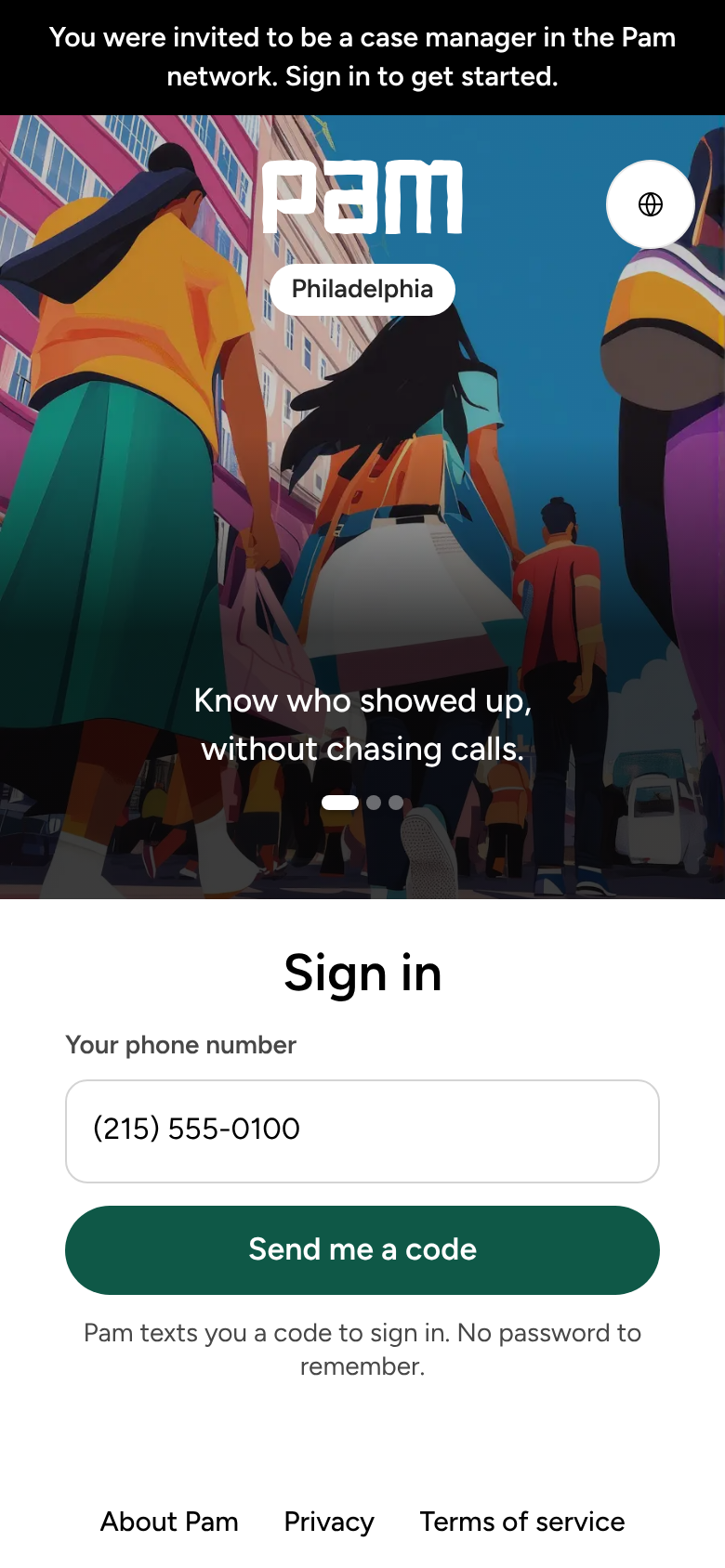
Open the link you were sent. Open it on the phone it was sent to.
Sign in with your phone number and the code Pam texts you. The top of the screen says you were invited, for example “You were invited to be a case manager in the Pam network.”
On “About you”, check your first name. A green line shows what you were invited as: “Case manager” or “Program partner”.
Read the next screen. A case manager sees “What you will see”. A program sees “What to expect”. Tap “I understand”.
You land on Home.
If you do not have a link
Ask the person at Pam who works with you to send you one. A case manager or a Pam super admin can send one. If you do not know who to ask, contact Pam.
If your number is already in Pam
One phone number can have one account. If your number already has an account, the staff link shows “This number is already in Pam”. Ask for the link to be sent to a different number.
Still stuck?
Write to us at hello@joinpam.org. Tell us what happened and what you see on the screen. A person at Pam reads every message.