
Joining Pam: with a link, a code, or on your own
You join Pam with your phone number. There are three ways in: with a link from the person who invited you, with a code, or on your own.
Which way is mine?
| How you join | What you do | Do you need a code? |
|---|---|---|
| With a link | Open the link on your phone. | No. The link has it inside. |
| With a code | Type the code when Pam asks for it. | Yes. |
| On your own | Open Pam and sign in. | No. Leave the code box empty. |
With a link
What you do: Open the link on your phone.
Do you need a code?: No. The link has it inside.
With a code
What you do: Type the code when Pam asks for it.
Do you need a code?: Yes.
On your own
What you do: Open Pam and sign in.
Do you need a code?: No. Leave the code box empty.
Step 1: sign in with your phone
Type your phone number and tap “Send me a code”.
Pam texts you a code. The screen says it works for 10 minutes.
Type the code and tap “Sign in”.
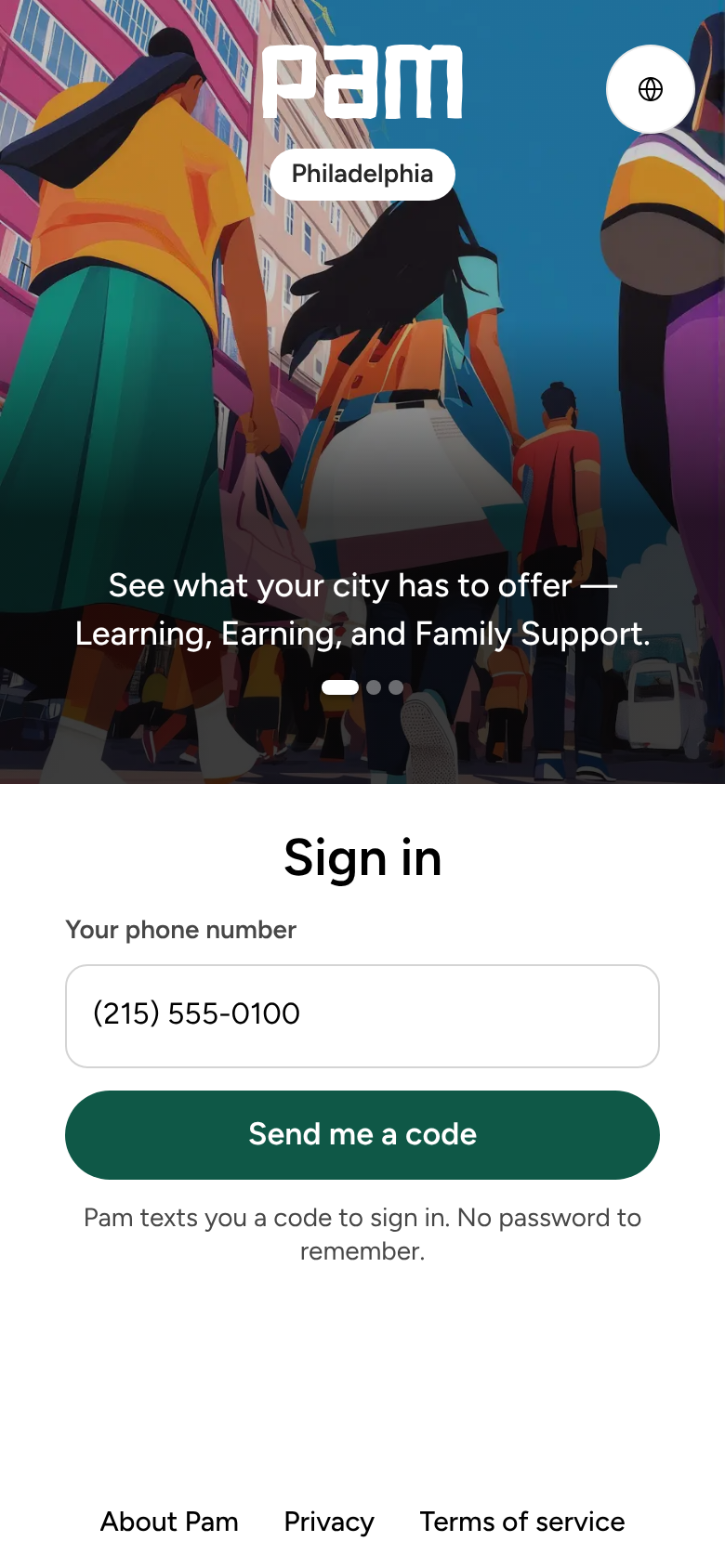
If the code does not work, ask for a new one. Wait for the “Send it again” timer to finish. If no text comes, read about texts below, or contact Pam.
Step 2: tell Pam about you
Type your first name and your last name.
Choose the city you live in. Pam is only in some cities for now.
Choose your language.
If somebody gave you a code, type it. If not, leave the box empty.
Tap Next.
Read “What others can see”, then tap “I understand”.
Choose “Yes, text me reminders” or “Not now”.
Tap Start. You are in.
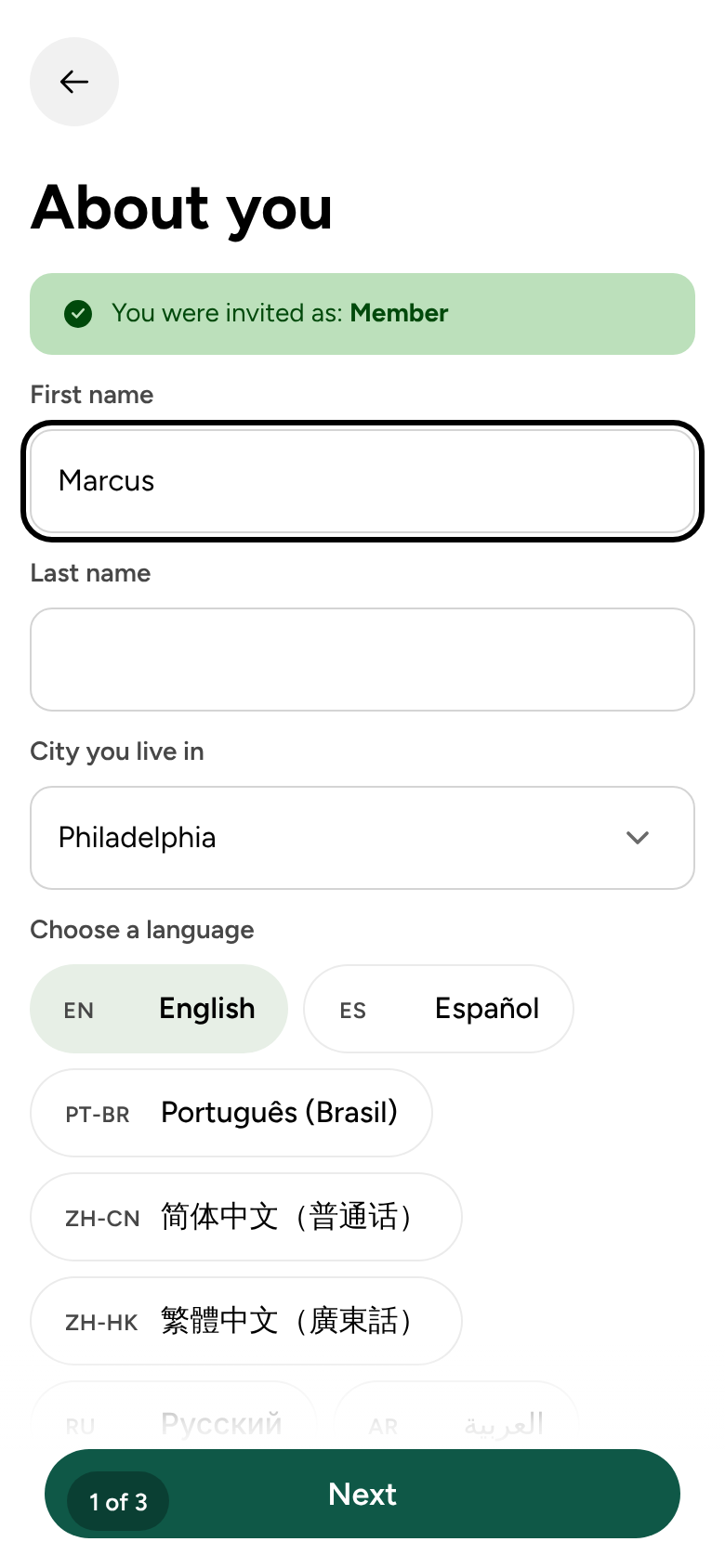
If you joined with a link, you will see a green line at the top that says “You were invited as: Member”. You will not be asked for a code. The link already has it.
About links
If you use a different phone number, you will see “That code is for a different phone”. Use the number the link was sent to. Or ask the person who invited you to send you a new link.
Still stuck?
Write to us at hello@joinpam.org. Tell us what happened and what you see on the screen. A person at Pam reads every message.