
Planning a visit
You can plan a visit to a place in Pam. Pam saves it to your account, so you can see it on Trips from any phone you sign in on. You can change it, or cancel it.
Plan a visit
Tap Trips.
Tap “New trip”. The screen is called “Plan a trip”.
Pick a place. It says “Pick a program. Your saved ones are first.” You can also tap “View all places to visit”, or search by name.
If the place lists services, its page opens with “Pick a service”. Choose one, then tap “Plan a trip”.
Pick a day and a time. Tap Next.
Look it over on “Check your trip”. You can add a note for them, or skip it. Tap “Add this trip”.
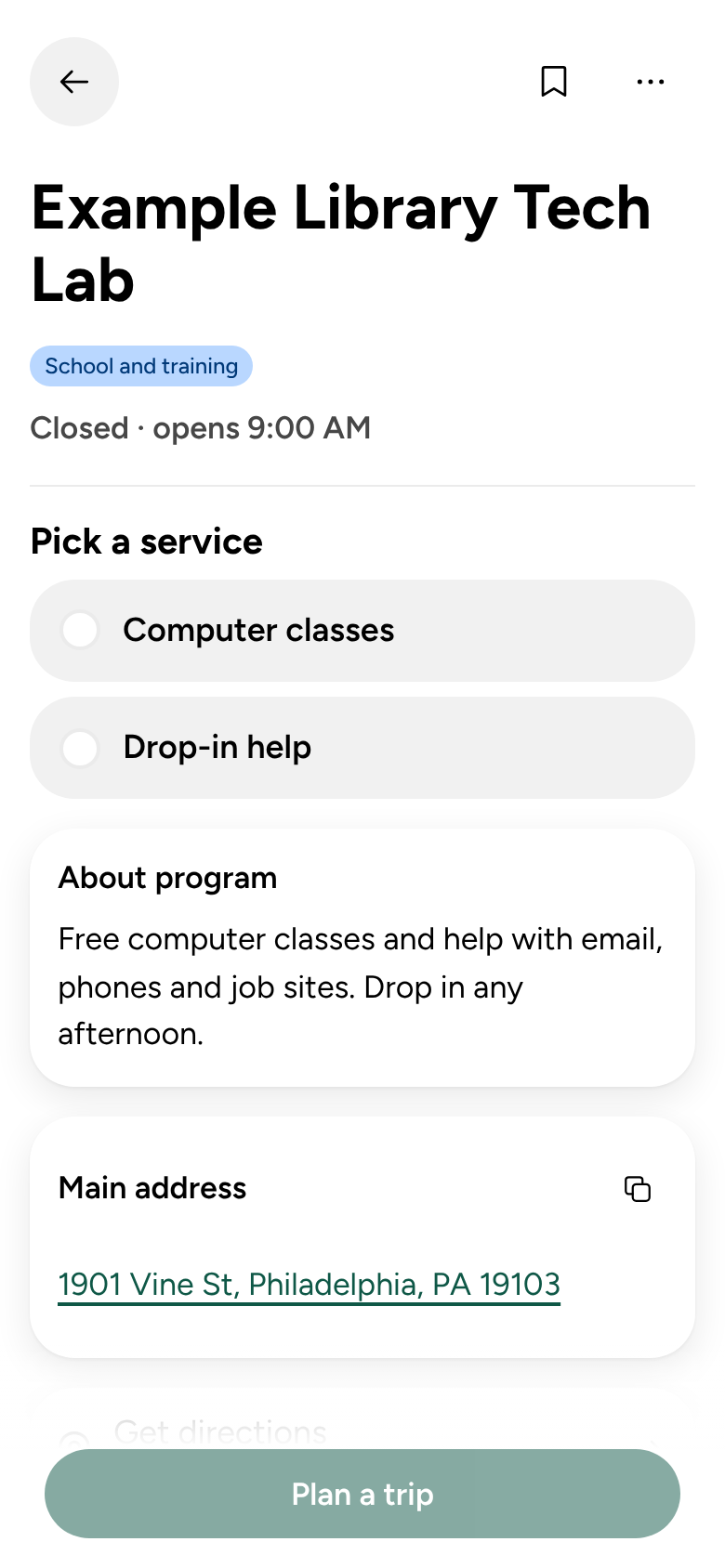
You can also start from a place. Open it from Explore or Saved, and tap “Plan a trip”. If it lists services, pick one first.
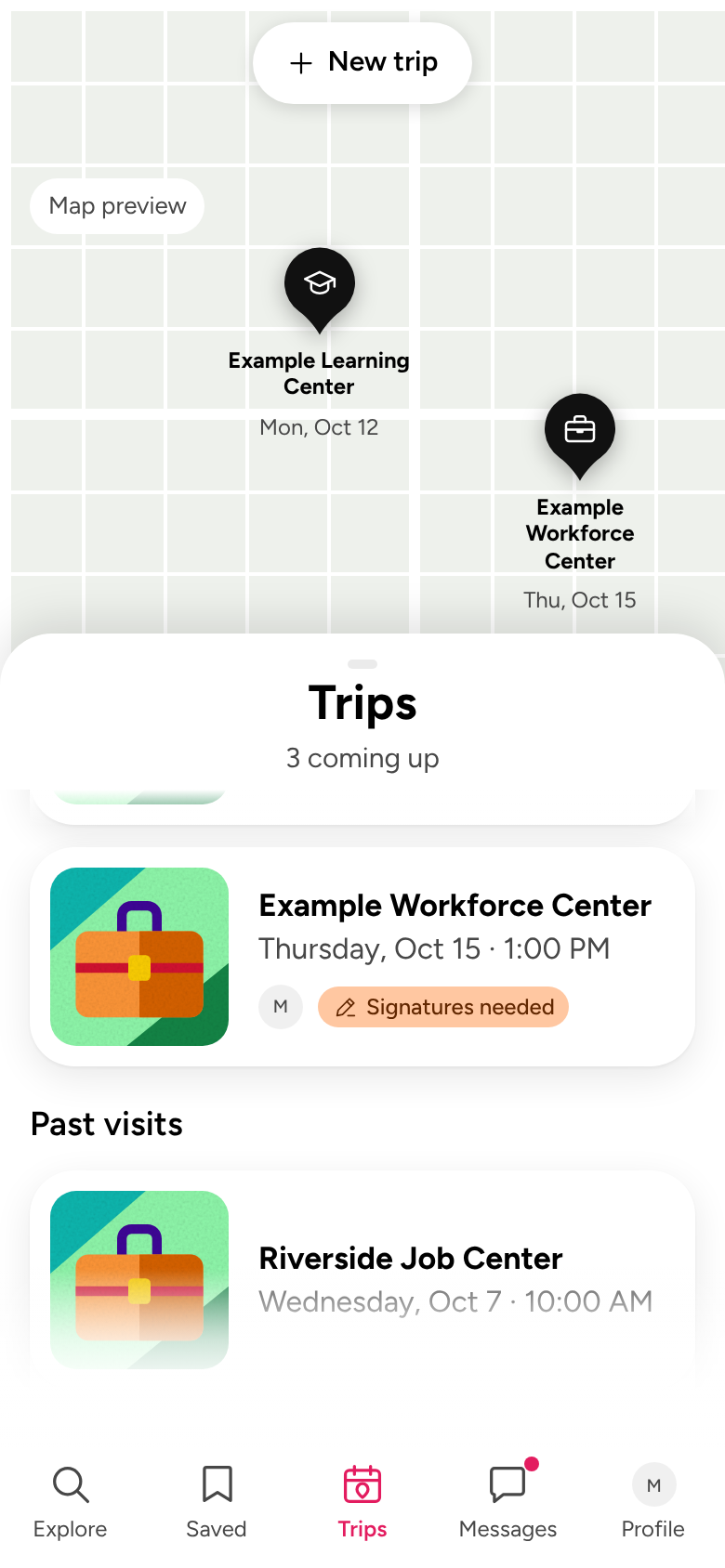
Some places ask you to sign a policy before you go. If so, you will see “Policies to sign” on the place, and a “Sign” link on Trips. Signing never stops you from booking.
Change a visit
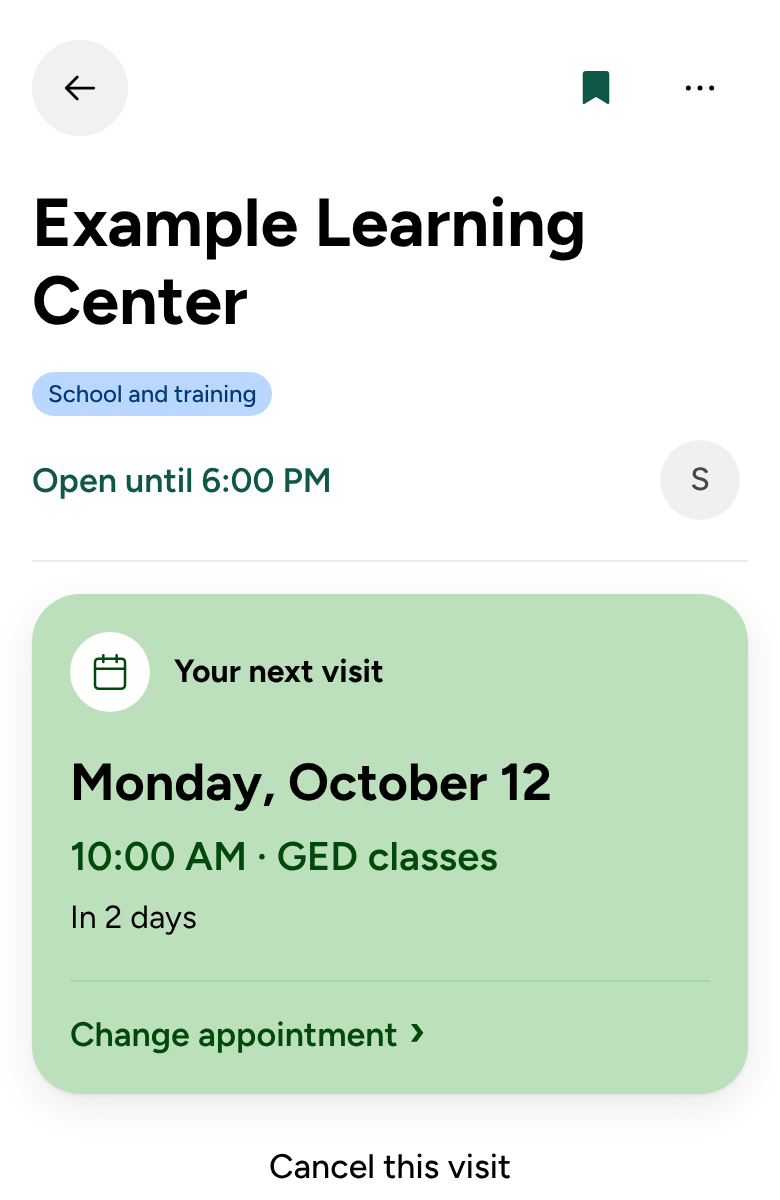
Tap Trips, then tap the visit. The place opens.
On “Your next visit”, tap “Change appointment”.
Pick a new day and time. Tap “Save the new time”.
Cancel a visit
Tap Trips, then tap the visit. The place opens.
Tap “Cancel this visit”.
Pam asks first. Tap “Yes, cancel it”, or tap “Keep my visit”.
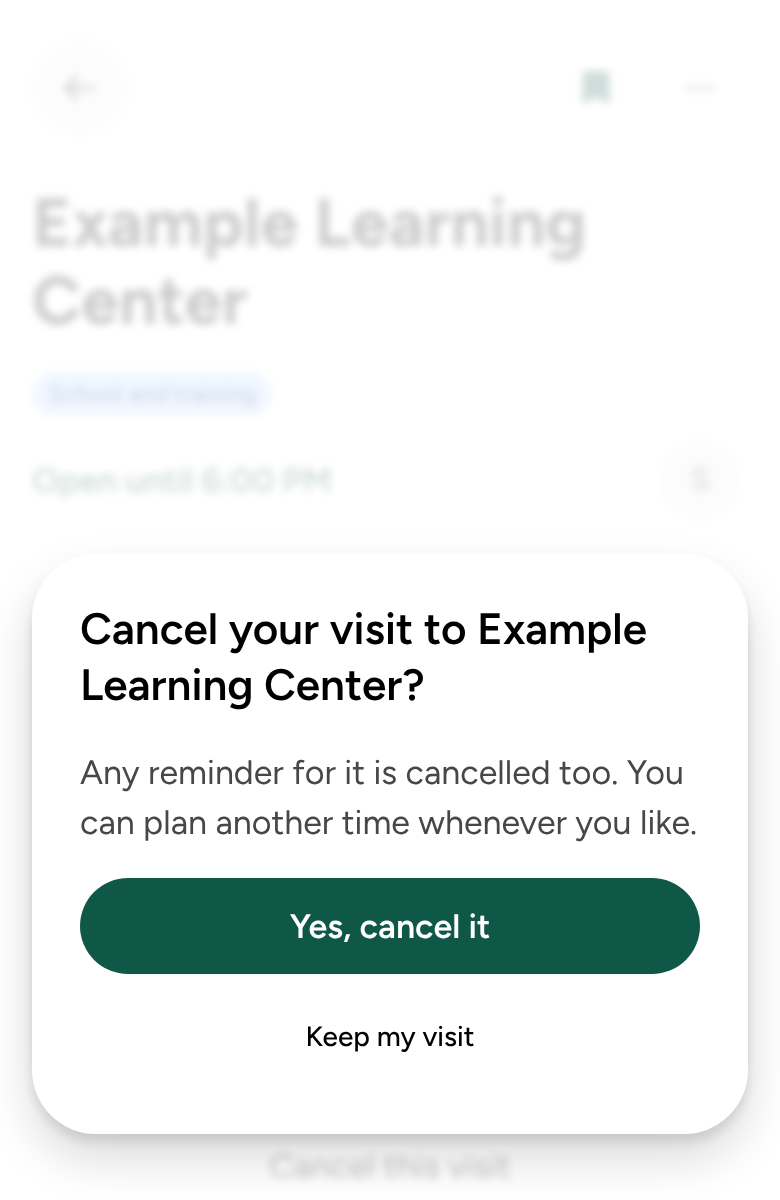
Pam says: “Any reminder for it is cancelled too. You can plan another time whenever you like.”
Past visits
When a visit’s time has gone, it moves down to “Past visits” on Trips, with the most recent first. “Past visits” lists the visits you planned and the ones a program booked for you.
Reminders
Texts that remind you before a visit are coming. Pam does not send them yet. We will say here when they are ready.
Still stuck?
Write to us at hello@joinpam.org. Tell us what happened and what you see on the screen. A person at Pam reads every message.